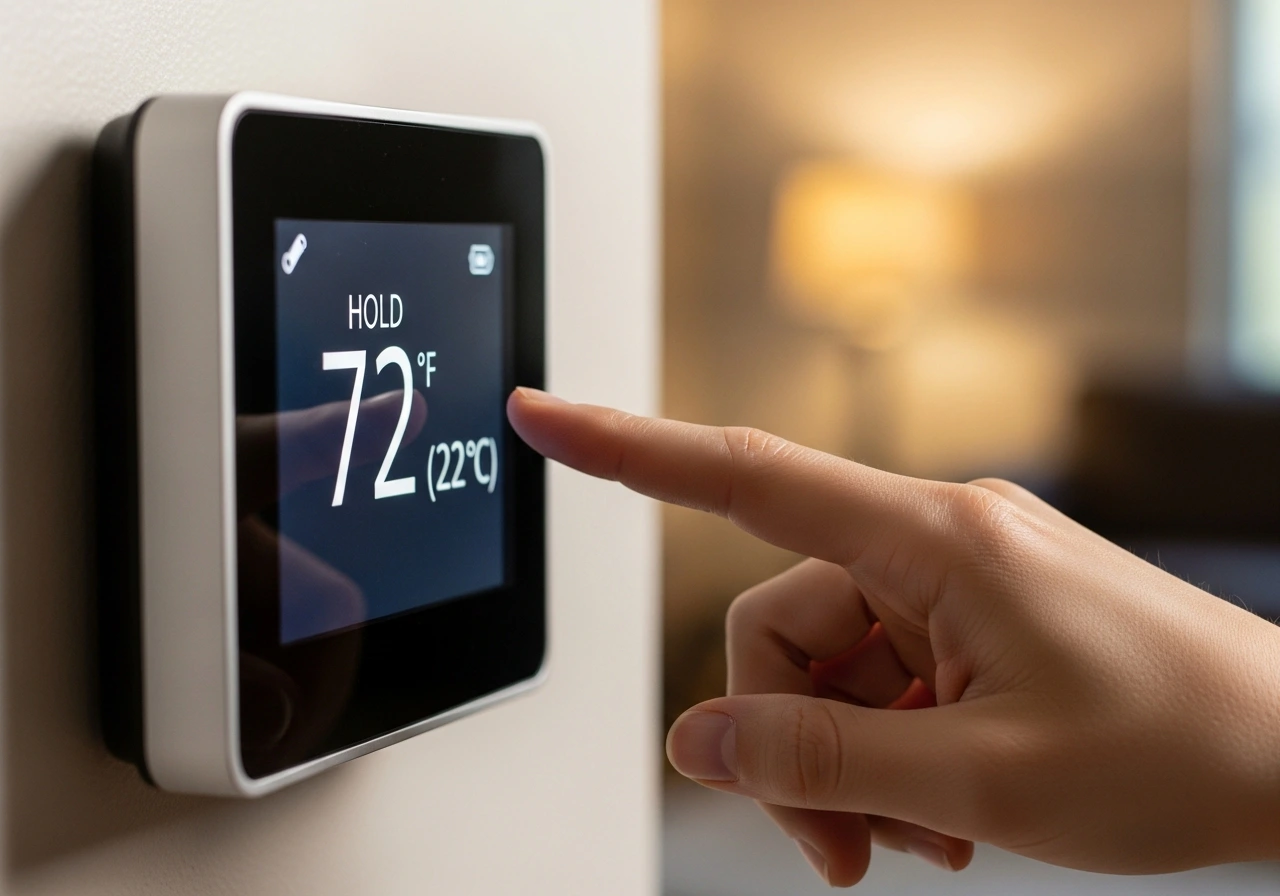
Ever stared at your thermostat wondering, what does “hold” mean on a thermostat? You’re not alone. That little button trips up tons of homeowners. But here’s the good news: mastering it takes seconds. The “Hold” function is your manual override. It freezes your temperature at one setting. Your schedule? Paused.
Your comfort? Priority. Whether you’re sick at home, hosting guests, or escaping for vacation, hold mode keeps things just right. No more fighting a stubborn schedule.
No more surprise temperature drops. Just simple, total control. Ready to stop guessing and start commanding your climate? Let’s break down exactly how hold mode works—and when to use it like a pro.
What Is Hold Mode on a Thermostat?
In the world of home automation, the “Hold” button is your way of telling your smart or programmable thermostat to stop being so “smart” for a while. Usually, a thermostat follows a rigid schedule, changing temperatures based on whether you are sleeping, working, or relaxing.
When you engage the hold function, you are taking the reins back from the software. It essentially freezes the thermostat at the current temperature you’ve selected. This is particularly useful when your daily routine suddenly changes, and you need the house to stay comfortable outside of your usual settings.
Think of it as the cruise control for your home’s climate. Once set, the system will work to maintain that specific degree of warmth or coolness until you intervene. Whether you are using an older digital model or a 2026 smart interface, the core logic remains the same.
The Purpose of Manual Control
The hold function exists to bridge the gap between automation and real-life unpredictability. While programming a thermostat is great for energy efficiency, it cannot account for a day when you stay home sick or a sudden cold snap that requires a little extra heat.
Without a hold button, you would have to go into the complex scheduling menu just to change the temperature for a few hours. This feature allows for an instant adjustment without deleting or altering your carefully crafted weekly energy-saving schedule.
It provides a level of immediate comfort that automated “set and forget” systems sometimes miss. By understanding this mode, you gain full mastery over your HVAC system, ensuring you aren’t fighting your own home for control over the living room temperature.
Why the Hold Function is Important for Homeowners
In my years of helping homeowners optimize their HVAC systems, I’ve found that the “Hold” button is the most misunderstood yet most used feature. Its importance lies in its ability to save you from the frustration of a “fighting” thermostat.
If you’ve ever bumped the temperature up only to have it drop back down an hour later because of a pre-set schedule, you know the struggle. The hold function prevents this “reset” from happening, giving you temporary or permanent peace of mind.
Furthermore, it’s a critical tool for home maintenance. If you are painting a room or have the windows open for fresh air, you can use the hold function to set a neutral temperature or turn the system off entirely without worrying about it kicking back on automatically.
What Does “Hold” Mean on a Programmable Thermostat?
A programmable thermostat relies on a 5-2 or 7-day schedule. This means it has four to six “set points” per day, such as “Wake,” “Leave,” “Return,” and “Sleep.” Under normal conditions, the thermostat transitions between these points automatically.
When the thermostat is on “Hold,” it simply ignores the transition to the next set point. For example, if you set it to 72°F at 10:00 AM on a “Permanent Hold,” it will stay at 72°F even when the “Leave” period (scheduled for 68°F) kicks in at 11:00 AM.
This override is essential for those who don’t have a perfectly predictable 9-to-5 life. If your schedule changes frequently, the hold button becomes your primary interface with the device. It transforms a rigid computer into a responsive tool that adapts to your immediate needs.
Temporary Hold vs. Permanent Hold
Understanding the difference between these two modes is vital for both comfort and your monthly energy bill. Most modern thermostats, including the major 2026 smart models, offer both options to give you granular control over your environment.
What Does “Temporary Hold” Mean on a Thermostat?
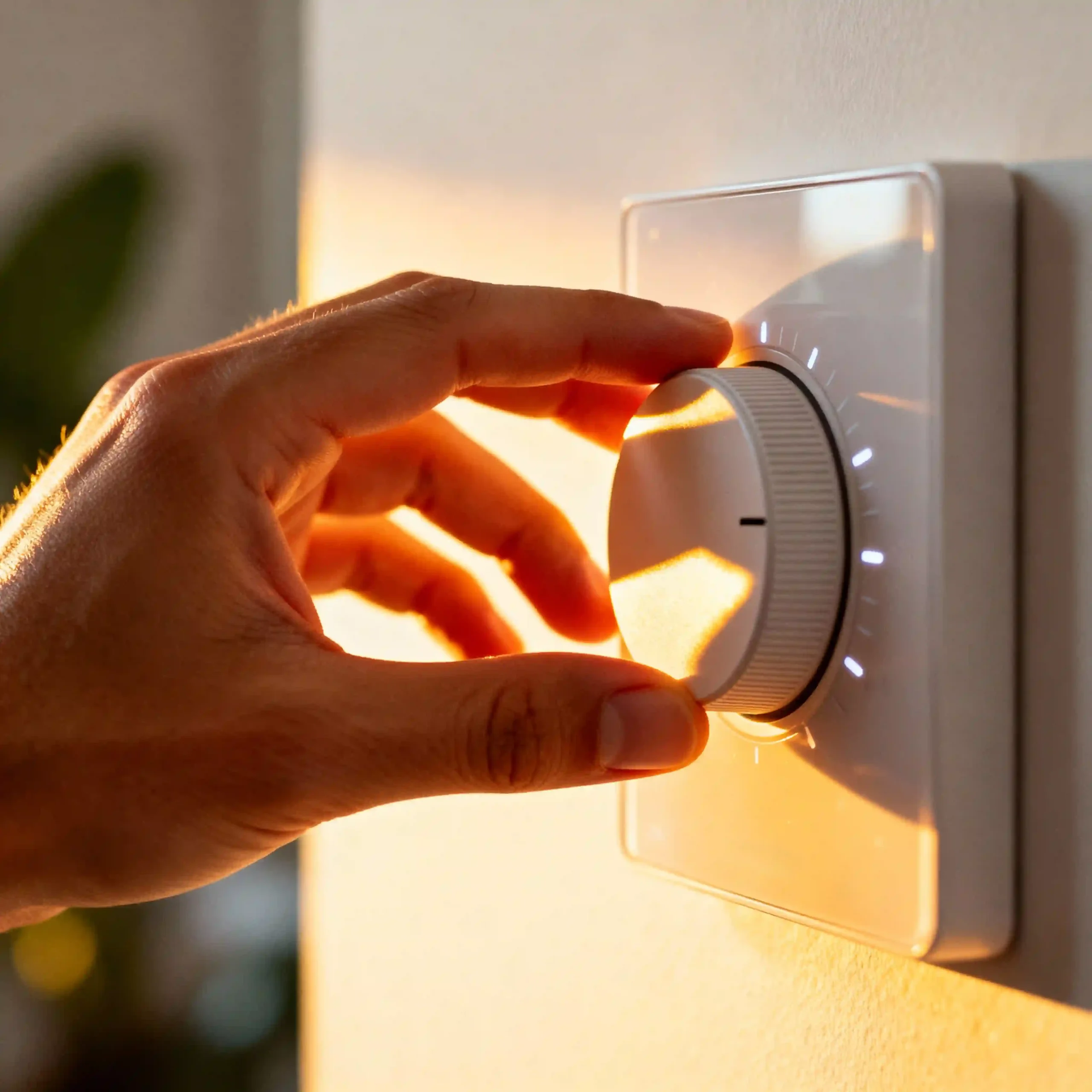
A Temporary Hold is a short-term override that lasts only until the next scheduled time period in your program. If your thermostat is set to change to “Sleep” mode at 10:00 PM and you trigger a temporary hold at 7:00 PM, the hold will expire exactly at 10:00 PM.
This is the “I’m a little chilly right now” button. It’s perfect for guests who prefer a different temperature or for those odd afternoons when you’re home early. It ensures that even if you forget to turn the hold off, the thermostat will eventually return to its energy-saving routine.
In my experience, this is the safest mode to use. It prevents the system from running at a high-energy setting for days on end if you forget about it. It’s a “fail-safe” for your comfort that respects your long-term programming goals.
What Does “Permanent Hold” Mean on a Thermostat?
A Permanent Hold (often just labeled “Hold”) stays in effect indefinitely. It will not expire when the next scheduled period arrives. It will maintain the current temperature until you manually press “Run,” “Cancel,” or “Use Schedule.”
This mode is ideal for vacations, long weekends, or extended periods where your normal routine is completely out the window. If you are leaving for a week in the winter, you might set a permanent hold at 55°F to prevent pipes from freezing while saving maximum energy.
The risk with a permanent hold is the “set it and forget it” trap. If you set a permanent hold for 72°F during a cold week and forget to cancel it when the weather warms up, your heater might continue to run unnecessarily, leading to a surprise on your utility bill.
Honeywell Temporary Hold vs. Permanent Hold
Honeywell thermostats handle these modes with very specific on-screen prompts. On most Honeywell Home and T-Series models, when you adjust the temperature, the screen will immediately flash “Temporary Hold.”
If you want it to stay that way forever, you usually have to press the “Hold” button a second time or select “Permanent Hold” from a touch menu. Honeywell also features a unique “Hold Until” option, which lets you specify the exact time you want the override to end.
This “Hold Until” feature is a hybrid between temporary and permanent. It’s incredibly useful for things like “I’m taking a 3-hour nap, and I want it cool, but then go back to normal.” It offers the most precision found in the current 2026 thermostat software.
Hold vs. Run on Thermostat
The “Run” and “Hold” buttons represent the two fundamental philosophies of climate control: automation vs. manual override. Understanding when to use each can save you significant money on your heating and cooling costs.
| Feature | Hold Mode | Run Mode |
| Logic | Manual Override | Scheduled Automation |
| Duration | Until canceled or next period | Continuous / Scheduled |
| Flexibility | great (Immediate changes) | Low (Needs reprogramming) |
| Efficiency | Variable (Risk of waste) | Optimized for energy saving |
Why “Run” is Your Best Friend
“Run” is the default state of a healthy, efficient home. When your thermostat is in “run” mode, it follows the energy-efficient path you’ve programmed. This usually includes lower temperatures at night or when the house is empty.
I always tell my clients, “If you find yourself constantly using ‘Hold,’ your ‘Run’ schedule is likely wrong. ” A well-programmed “Run” sequence should account for 90% of your life, leaving the “Hold” button for those rare exceptions.
When to Switch from Run to Hold
Switch to “Hold” when your life doesn’t match the schedule. Common scenarios include hosting a party (where extra body heat requires more cooling) or staying home on a holiday. It gives the HVAC system a “pause” on its logic to serve your current comfort needs.
Should I Put My Thermostat on Hold or Run?
This depends entirely on your current situation. For daily life, Run is the superior choice. It ensures your home is comfortable when you arrive and energy-efficient when you leave, without you having to touch a single button.
However, if your schedule is erratic—perhaps you work freelance or have a rotating shift—Hold might be your daily driver. In this case, you are manually telling the house when you are present and when you are away.
If you are trying to calculate the cost-effectiveness of these modes, consider the heat loss formula $Q = UA\Delta T$. The larger the difference between inside and outside temperatures ($\Delta T$), the more energy you lose. “Run” mode minimizes this difference when you aren’t home, whereas “Hold” might keep it high all day.
How to Use the Hold Button on the Thermostat
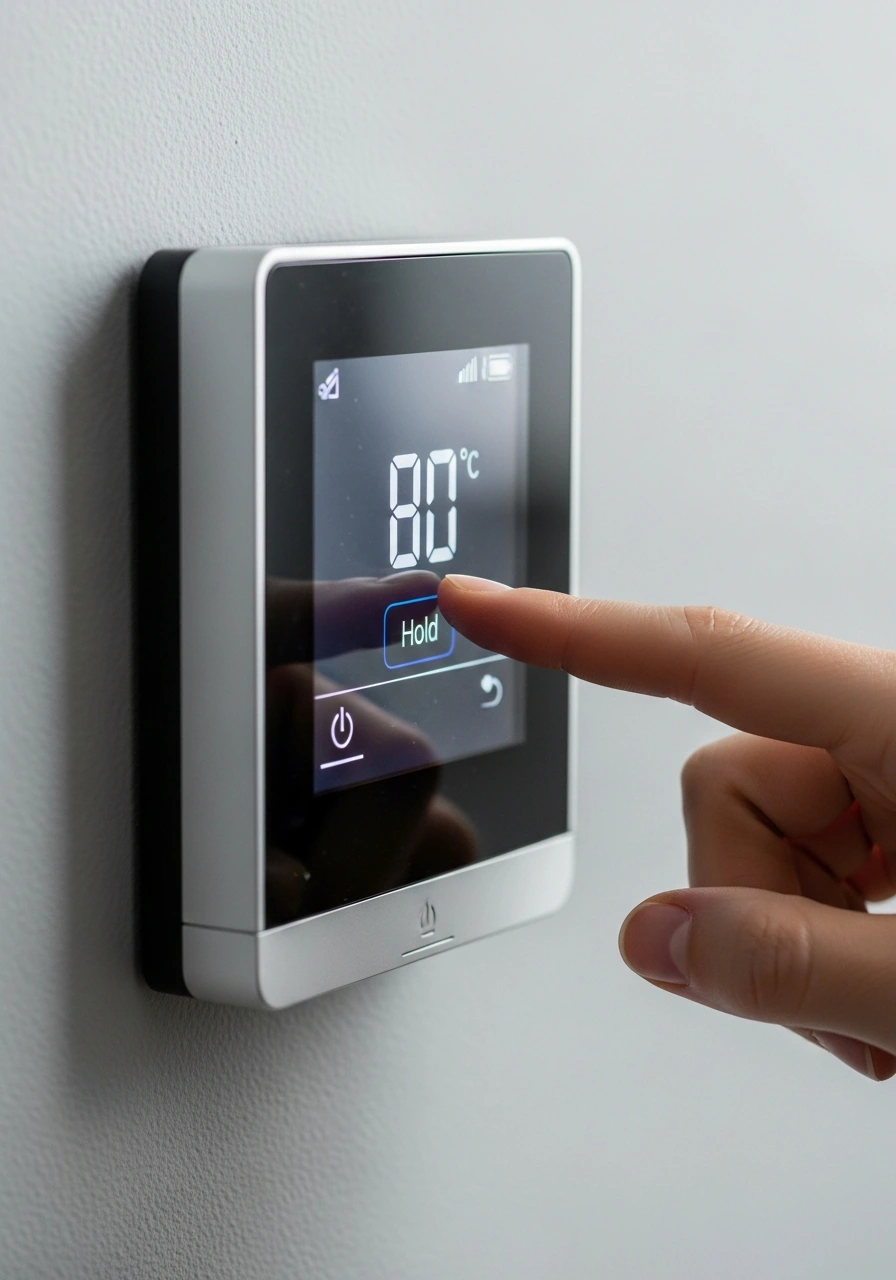
Using the hold button is generally straightforward, but the steps can vary slightly depending on whether you have a physical button or a touchscreen interface. Here is the universal workflow for most 2026 models.
- Adjust the Temperature: Use the up or down arrows to reach your desired temperature.
- Select Hold Type: On many models, simply changing the temp initiates a “Temporary Hold.”
- Confirm Permanent Hold: If you want it to stay indefinitely, look for a “Hold” button or a “Switch to Permanent” prompt on the screen.
- Verify the Screen: Ensure the word “Hold” or “Permanent Hold” is visible on the display.
If you are using a smart thermostat like a Nest or Ecobee, the “Hold” function might be called an “Override” or “Manual Adjustment.” You typically just slide the temperature dial on the app, and it will ask you how long you want to keep that setting.
How Long Does a Hold Last on a Thermostat?
The duration of a hold is entirely dependent on the type of hold you’ve selected.
- Temporary Hold: Usually lasts between 2 and 8 hours, or until the next programmed event.
- Permanent Hold: Lasts forever (or until the batteries die/power goes out).
- Timed Hold (“Hold Until”): Lasts until the specific minute and hour you programmed into the device.
In my experience with older digital thermostats, a power outage can sometimes reset a permanent hold back to the “Run” schedule. It’s always a good idea to check your settings after a storm or a flicker in the lights.
How to Turn Off Hold on Thermostat
Taking your thermostat off hold is the quickest way to return to an energy-saving routine. It’s usually a single-press operation designed to be as user-friendly as possible.
- Locate the “Run” or “Cancel” Button: Most thermostats have a dedicated button labeled “Run Schedule,” “Cancel Hold,” or simply “Remove.”
- Press the Button: You should see the “Hold” text disappear from the screen.
- Check the Display: The thermostat should now show the temperature it should be according to your current schedule.
If the “Hold” message doesn’t go away, you may need to press the button firmly or check if the touchscreen is unresponsive. Sometimes, smart thermostats require you to cancel the hold through the mobile app if the physical device is locked.
What Does “Hold” Mean on a Honeywell Thermostat?
Honeywell is the gold standard for these features. On a Honeywell device, “Hold” is a very specific state. When you see “Temporary Hold” on the screen, it means the thermostat is waiting for the next clock-based trigger to resume its program.
If you see “Permanent Hold,” the Honeywell device has locked into that temperature. Honeywell also uses a “Recovery” mode, which might look like a hold but is actually the system working hard to reach the next scheduled temperature before you even wake up.
I’ve often seen users get confused by the “Hold Until” feature on Honeywell’s T-Series. This is actually their most powerful tool. It allows you to set a hold for a specific number of days—perfect for a vacation where you want the heat to kick back on the night before you fly home.
What Does “Hold Until” Mean on a Thermostat?
“Hold Until” is the most advanced version of the hold function. It allows you to set a specific expiration date and time for your manual override. For example, if it’s Friday and you’re going away for the weekend, you can set “Hold Until Sunday 4:00 PM.”
This ensures that the house is perfectly pre-cooled or pre-heated by the time you walk through the door. It removes the human error of forgetting to turn the hold off, which is the number one cause of high energy bills after a vacation.
This feature is standard on most 2026 smart thermostats. It’s a favorite among my clients because it combines the total control of a permanent hold with the safety and automation of a temporary one.
When Should You Use Hold Mode?
There are several real-life scenarios where the “Hold” button is your best tool. Knowing these can help you manage your home’s climate like a pro.
During a Vacation
As mentioned earlier, setting a permanent hold while you are away prevents the system from cycling through “Home” and “Away” settings unnecessarily. Set it to a safe, energy-saving temperature and leave it alone.
Hosting Guests
If you have a house full of people, the extra body heat will make the house warmer than usual. Setting a temporary hold at a lower temperature ensures your guests stay comfortable without you having to permanently change your energy settings.
Extreme Weather Events
During a heatwave or a polar vortex, your normal energy-saving schedule might be too aggressive. A permanent hold allows you to keep the system running steadily to protect your home and comfort until the weather breaks.
When NOT to Use Hold Mode
While useful, the hold button should not be your “go-to” for everyday adjustments. If you find yourself pressing “Hold” every single morning when you wake up, it means your program is inefficient.
Using “Hold” as a crutch prevents your thermostat from doing what it was designed to do: save you money. The most efficient way to run an HVAC system is to let it follow a schedule that minimizes the workload during peak energy hours.
Also, avoid using “Hold” if you have a “Smart Learning” thermostat like a Nest. These devices learn from your manual adjustments. If you constantly use a permanent hold, the AI will get confused and won’t be able to build an accurate schedule for you.
Thermostat Hold Settings
In 2026, hold settings have evolved beyond a simple button. They are now integrated into the “Home” and “Away” ecosystems of smart homes. Here is how these settings break down in modern devices.
Auto-Hold (Geofencing)
Many thermostats now use your phone’s GPS to trigger a hold. When you leave a certain radius around your house, the thermostat enters an “Away Hold.” When you return, it automatically cancels the hold and resumes the “Home” schedule.
Manual Override Settings
Within your thermostat’s menu, you can often set the default duration for a temporary hold. You can choose whether a “Temporary Hold” should last two hours, four hours, or until the next scheduled change.
Energy Star Recommendations
Most energy experts recommend that if you use a hold, you should never set it more than 8 degrees away from your normal temperature. This prevents the “recovery” period from consuming more energy than you saved during the hold.
Thermostat Says Temporary Hold”—What to Do?
If you see “Temporary Hold” on your screen and you didn’t put it there, don’t panic. This usually happens if someone in the house bumped the temperature dial or if a smart home routine (like Alexa or Google Home) made a change.
How to Fix It
To fix this, simply press the “Run Schedule” or “Cancel” button. If you want the change to stay, you don’t have to do anything—it will automatically disappear at the next scheduled time interval.
Check Your App
If the “Temporary Hold” keeps reappearing, check your connected apps. Sometimes, a third-party energy-saving program (provided by your utility company) will “push” a temporary hold to your device during peak hours to save the grid from crashing.
Why Is My Thermostat Stuck on Hold?
Being “stuck” on hold is a common complaint. If you press “Run” and nothing happens, or if the “Hold” icon refuses to disappear, there are a few likely culprits.
- Software Freeze: Like any computer, thermostats can glitch. Try pulling the faceplate off and removing the batteries for 60 seconds to perform a hard reset.
- App Conflict: If your phone app is set to “Vacation Mode,” it will override any buttons you press on the physical wall unit.
- Keypad Lock: Check if your thermostat has a “Lock” icon. If the keypad is locked, the “Hold” button won’t respond until you enter the four-digit PIN.
- Wiring Issues: In rare cases, a short in the “C-wire” or the “R-wire” can cause the display to freeze. If a reset doesn’t work, it might be time to call a technician.
Frequently Asked Questions
What does “hold” mean on a thermostat?
It is a manual override that stops the thermostat from following its programmed schedule. It keeps the temperature at one fixed setting until you manually change it or the hold period expires.
What is the hold button on a thermostat?
The hold button is the physical or digital control used to bypass the internal clock. It allows you to maintain a specific temperature for guests, vacations, or unusual daily schedules without deleting your saved program.
What does “permanent hold” mean on a thermostat?
A permanent hold keeps the thermostat at your chosen temperature indefinitely. It will never revert to the schedule on its own; you must manually press “Run” or “Cancel” to resume automated operation.
What does “temporary hold” mean on a thermostat?
A temporary hold is a short-term override. It maintains your manual temperature setting only until the next scheduled time slot in your program (e.g., from “Return” to “Sleep”), at which point it automatically cancels.
Should I use hold or run?
You should use “Run” for 90% of your daily life to maximize energy efficiency. Use “Hold” only for exceptions like vacations, illnesses, or special events where your normal routine doesn’t apply.
Conclusion
Understanding what “Hold” means on your thermostat is the first step toward true home comfort and energy mastery. Whether it’s a temporary hold for a cozy movie night or a permanent hold for a two-week winter vacation, this feature gives you the flexibility that rigid programming cannot.
Always remember that “Run” is your default for saving money, while “Hold” is your tool for specific needs. By balancing the two, you can ensure your HVAC system works for you, rather than the other way around. Keep an eye on your display, know your brand’s specific quirks, and don’t be afraid to take manual control when life gets unpredictable.