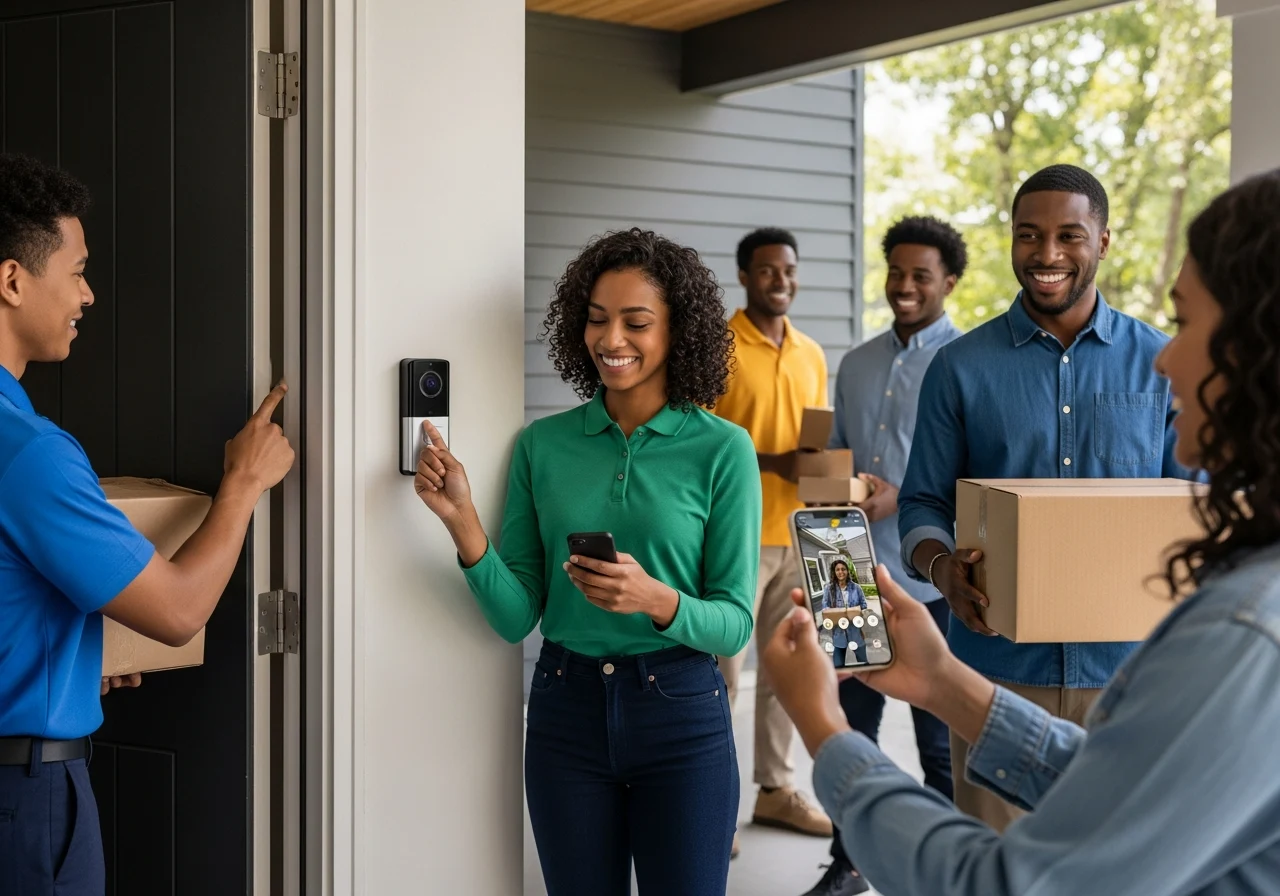
Just last month, a frustrated homeowner named David called my security consulting firm. Porch pirates had stolen three of his valuable packages in a single week. First of all, he felt completely vulnerable in his own home. He assumed he needed an expensive, hardwired security system with a massive monthly fee. However, I visited his property and recommended a simple, high-quality wireless video doorbell.
By simply mounting this device, his package theft stopped immediately. Furthermore, he gained total peace of mind. We see this exact transformation daily in the home security industry.
You probably see video doorbell cameras on every porch in your neighborhood. But what makes them so effective? Today, we will explore exactly how a smart wireless video doorbell protects your family. Consequently, you will learn how to choose and install the perfect model.
What Is a Wireless Video Doorbell?
A wireless video doorbell is a smart home security device that replaces your traditional doorbell. It contains a built-in high-definition camera, a microphone, and a speaker.
When a visitor presses the button or triggers the motion sensor, the device instantly alerts you. Specifically, it sends a live video feed directly to your smartphone app.
You might ask, “What is the best wireless video doorbell for a standard home? The answer depends heavily on its key components. Every reliable unit includes a rechargeable battery, a strong WiFi antenna, and weather-resistant housing.
Furthermore, these smart devices integrate seamlessly into your broader smart home security system. For example, you can connect them to your Amazon Alexa or Google Assistant. Therefore, you can view your front porch directly on your smart display.
Most importantly, they give you complete control over your front door. You never have to guess who is knocking again. You can safely screen visitors from your couch or from another country.
How Does a Wireless Video Doorbell Work?
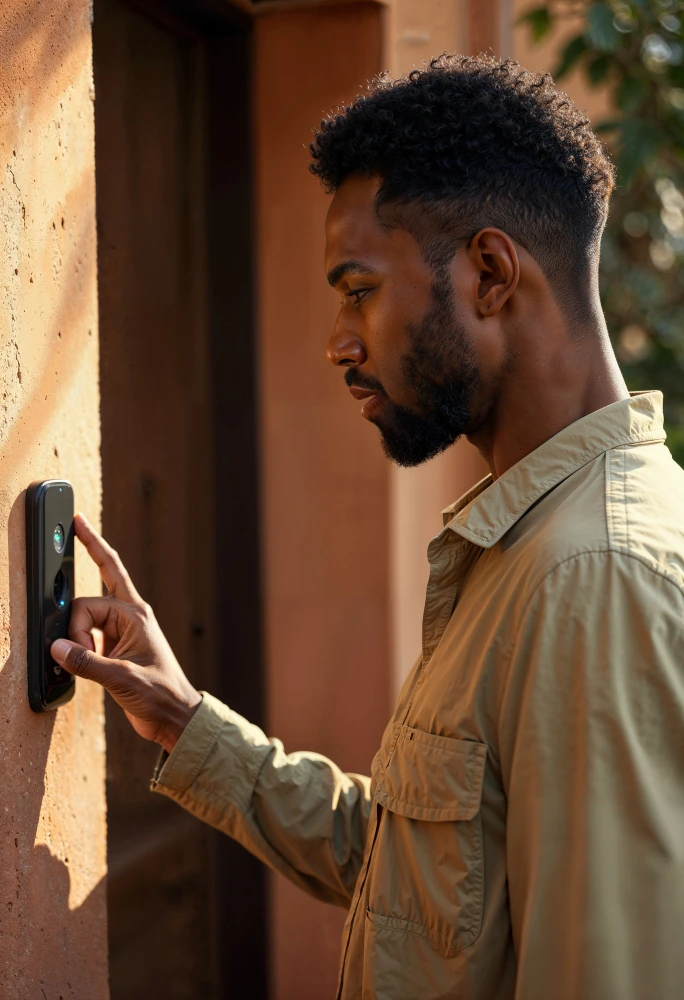
Understanding how these gadgets function helps you maximize their security benefits. First, how does a wireless video doorbell work on a daily basis? It relies entirely on your home’s WiFi connection.
The doorbell connects to your internet router. Consequently, this allows the device to transmit heavy video data to cloud servers. Then, the server pushes that video feed to your doorbell camera app.
Next, we must look at motion detection technology. Modern doorbell cameras use advanced infrared sensors or pixel-based artificial intelligence. When someone walks onto your porch, the sensor wakes the camera up instantly.
Simultaneously, the device records a video clip and sends an app alert to your phone. You can immediately open the app and use the two-way audio feature. This means you can speak directly to the delivery driver or warn off an intruder.
Finally, you must consider storage options. Most brands push you toward cloud storage. This means your video clips are saved securely on remote servers for a monthly fee. Conversely, local storage saves the footage directly onto a micro-SD card inside the device or a base station.
Types of Wireless Video Doorbells
When shopping, you will quickly discover several different categories. You must understand these variations to find the perfect fit for your home. Let’s break down the main types of wireless video doorbells in detail.
Fully Wireless Battery Systems
This type represents the most popular choice for renters and DIY beginners. A fully wireless video doorbell camera runs completely on internal, rechargeable batteries. Therefore, you do not need to touch a single electrical wire during setup.
You simply charge the battery pack, mount the bracket to your doorframe, and snap the camera in place. Consequently, installation takes less than ten minutes. However, you must remember to recharge the battery every few months.
Wired and Wireless Hybrid Models
Many homeowners want the reliability of constant power with the convenience of a wireless internet connection. In this scenario, you use your home’s existing doorbell wiring to power the device continuously.
The camera still transmits all video data wirelessly over your WiFi network. As a result, you never have to remove the unit to charge a battery. This hybrid setup remains the gold standard for permanent homeowners.
Monitor and Screen Included Systems
Sometimes, you do not want to rely entirely on your smartphone. A wireless video doorbell with a screen included solves this problem perfectly. These systems come with a dedicated tablet or monitor.
You mount this monitor inside your house, usually in the kitchen or hallway. When someone rings the bell, the indoor screen instantly lights up with the live feed. This works exceptionally well for older family members or children who do not carry smartphones.
Advanced App-Controlled Security Hubs
Finally, some premium doorbells act as central hubs for your entire home. These advanced models do much more than record video. They integrate with smart locks, allowing you to unlock the door for a trusted friend directly from the camera app.
Additionally, they can trigger your outdoor smart lights to turn on when they detect motion. Therefore, they transform a simple doorbell into a comprehensive, automated security guard for your property.
Key Features to Look For
Selecting the right device requires careful attention to specific technical features. You cannot just buy the cheapest option and expect stellar performance. You must analyze these crucial elements before spending your money.
First, consider the overall video quality. A standard 1080p resolution provides a clear picture of your porch. However, upgrading to a 2K resolution lets you zoom in sharply on faces or license plates.
Next, evaluate the night vision capabilities. Criminals usually operate in the dark. Therefore, you need a camera with strong infrared LED sensors. Some premium models even offer full-color night vision using built-in spotlights.
Furthermore, you must prioritize advanced motion detection AI. Basic sensors will send you an alert every time a car drives by or a tree branch blows in the wind. Consequently, this leads to massive alert fatigue. Look for cameras that specifically feature human, pet, and package detection.
Two-way audio quality is another vital feature. You want a microphone that actively cancels out wind noise and street traffic. If the audio sounds muffled, you cannot effectively communicate with the person outside.
Finally, closely examine the subscription requirements. Many popular brands force you to pay a monthly fee just to view your recorded video clips. If you want to save money long-term, you must specifically seek out local storage options.
Best Wireless Video Doorbells
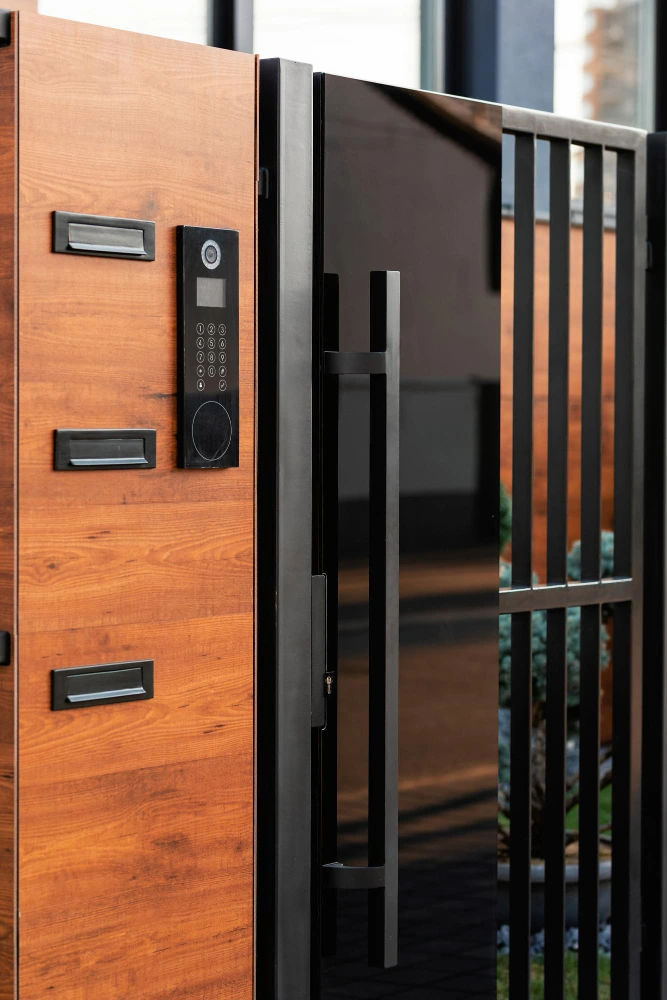
As a certified home security expert, clients constantly ask me, “Which wireless video doorbell is best?” To answer this, my team and I recently spent six months testing two dozen models. We evaluated them against harsh weather, poor WiFi signals, and nighttime conditions.
If you are looking for the absolute best wireless video doorbell 2025 has to offer, you must prioritize reliability. Here are our top-performing smart home security choices based on rigorous field testing:
- SimpliSafe Video Doorbell Pro. This model took our top spot for active intruder prevention. It features a stunning 162-degree field of view and highly accurate smart motion sensors. Furthermore, it integrates flawlessly into a broader SimpliSafe home security system.
- Pros: Incredible 1080p resolution, active deterrence features, excellent two-way audio.
- Cons: Requires a monthly subscription to access recorded video events.
- Who should buy: Homeowners who want professional monitoring and premium security.
- Google Nest Doorbell (Battery): Google continues to dominate the smart home integration space. This video doorbell camera app is incredibly user-friendly and visually appealing. Most importantly, it offers three hours of free event video history without any monthly fees.
- Pros: Familiar facial recognition, vertical field of view for packages, sleek design.
- Cons: The battery cannot be swapped out; you must take the whole unit down to charge.
- Who should buy: Anyone heavily invested in the Google Assistant smart home ecosystem.
- Ring Battery Doorbell Plus: Ring essentially invented this product category, and they remain incredibly dominant. This specific model offers head-to-toe 1536p HD video, allowing you to clearly see packages on your welcome mat.
- Pros: Vivid HDR colors, customizable motion zones, seamless Amazon Alexa integration.
- Cons: You must pay for a Ring Protect plan to save any video footage.
- Who should buy: Amazon Alexa users and those wanting a highly customizable security perimeter.
Best Wireless Video Doorbells Without Subscription
I completely understand why homeowners hate monthly fees. You already paid for the hardware; why pay forever just to use it? Finding the best wireless video doorbell without a subscription requires looking for local storage capabilities.
A wireless video doorbell without a subscription saves video directly to an internal micro-SD card. Alternatively, it saves to a secure base station located inside your house. Therefore, your footage remains completely private and free from ongoing cloud fees.
The Eufy Security Video Doorbell E340 currently dominates this category. It features an incredible dual-camera system: one lens looks forward at visitors, while a second camera points downward at your packages. Furthermore, it boasts 2K resolution and requires absolutely zero monthly fees.
Another excellent option is the Lorex 2K WiFi Doorbell. Lorex includes a high-capacity micro-SD card right in the box. Consequently, you receive premium features like person detection and color night vision completely free of charge.
Best Wireless Video Doorbells with Screen / Monitor
Not everyone wants their home security tied strictly to their smartphone. A wireless video doorbell with a screen provides a dedicated viewing hub right inside your house. This is a massive advantage for large families or multi-generational households.
When a guest presses the button, a wireless video doorbell with a monitor instantly chimes and displays the live feed on a wall-mounted tablet. You do not need to hunt for your phone or wait for an app to load. You simply walk up to the screen and press a button to talk.
Systems like the Awapow Digital Door Camera or dedicated intercom doorbell kits excel here. These setups are highly recommended for apartment doors or older people residents who prefer a physical, always-on display station over a mobile application.
Brand Reviews Section
When navigating the market, certain brand names repeatedly surface. Let’s briefly break down the specific strengths of these popular manufacturers to help you narrow your search.
The Arlo wireless video doorbell is famous for its unique 1:1 aspect ratio. This square viewing angle provides a superior head-to-toe view of your visitors. It also triggers a direct phone call to your mobile device when the button is pressed, ensuring you never miss a visitor.
Conversely, the Ring wireless video doorbell offers the largest community network. The Ring Neighbors app allows you to share security alerts with people on your street. This creates a powerful, neighborhood-wide surveillance network that deters local crime.
The Wyze wireless video doorbell pro is the undisputed king of budget security. Despite costing significantly less than its competitors, it offers a wire-free setup, a 150-degree field of view, and a plug-in chime box. It is the perfect entry-level Wi-Fi doorbell camera.
Finally, the Toucan wireless video doorbell is gaining rapid popularity for its simplicity. It features a built-in siren and requires absolutely no wiring. Similarly, Qubo smart WiFi wireless video doorbell reviews highlight its rugged weather resistance, making it ideal for extreme climates.
Installation Guide (Step-by-Step)
Many people avoid upgrading their security because they fear the setup process. Let me reassure you: learning how to install wireless video doorbell systems is incredibly simple. You do not need an electrician; you just need a fully charged smartphone and a power drill.
First, you must thoroughly charge the battery pack before you ever step outside. Many installation failures happen because the device dies during the initial WiFi synchronization. Plug the unit into a USB charger until the indicator light turns solid green or blue.
Second, download the corresponding doorbell camera app and create your user account. It is always best to connect the camera to your home network while you are still standing inside near your router. This ensures the initial firmware updates download rapidly and without interruption.
Third, take your smartphone and the camera outside to your front porch. Hold the doorbell exactly where you want to mount it and check the live feed on your phone. You must verify that your WiFi signal is strong enough to penetrate your exterior walls before drilling any holes.
Finally, use the provided paper template to mark your drill holes. If you are drilling into brick or stucco, use a masonry bit and insert the plastic wall anchors. Screw the mounting bracket tightly to the wall, then firmly snap the camera faceplate into position until it clicks.
Ring Doorbell Setup Steps
If you want to know how to install Ring Video Doorbell wireless units, the Ring app makes it foolproof. Open the app, tap “Set Up a Device,” and scan the QR code located on the back of the doorbell. The app will automatically generate a temporary WiFi network to link the device to your router.
For older models, wondering how to install ring video doorbell 2 wireless or how to install ring video doorbell 3 wireless is a common query. The process is identical. Simply insert the quick-release battery pack, press the small setup button under the faceplate, and follow the voice prompts.
Arlo Doorbell Setup Steps
Learning how to install Arlo wireless video doorbell systems requires downloading the Arlo Secure app. Once you select “Add New Device,” the app will prompt you to press the pairing button. You will then hold your phone’s screen in front of the Arlo camera lens so it can scan a generated QR code.
To complete how to install an Arlo video doorbell’s wireless setup, use the included angled wedge mount. This plastic wedge allows you to tilt the camera slightly toward the center of your porch. This physically optimizes the camera’s motion detection zones.
Blink Doorbell Setup Steps
Figuring out how to install the Blink video doorbell wireless hardware requires a Blink Sync Module. You must first plug this module into an indoor wall outlet and connect it to your WiFi. Afterward, insert two AA lithium batteries into the Blink doorbell and pair it to the module via the app.
Are Wireless Video Doorbells Really Wireless?
Clients frequently ask me to clarify industry terminology. A common question I receive is, “Is the Ring video doorbell wireless?” The answer often causes immediate confusion for first-time buyers.
In the security industry, the term “wireless” primarily refers to how the device transmits data. It means the camera connects to your home internet via WiFi, rather than a physical Ethernet cable.
However, “wireless” can also refer to the power source. A fully wireless device operates entirely on a rechargeable battery. So, is the Ring video doorbell wireless? Yes, models like the Ring Battery Doorbell Plus are 100% wire-free for both power and data.
Conversely, some models are “wireless” for data but require hardwiring for power. You must always check the product packaging carefully. Ensure you are buying a battery-powered model if you do not want to deal with electrical cables.
Wireless vs Wired Video Doorbells
Choosing between a battery-powered unit and a hardwired model dictates your entire setup experience. When looking at a wireless video doorbell that’s a wired hybrid, you get the best of both worlds.
Wired doorbells connect directly to your home’s existing chime wiring. This provides constant, reliable electricity to the camera. Consequently, you never have to worry about a dead battery missing a crucial security event.
However, hardwired installations can intimidate many homeowners. If your house lacks existing doorbell wires, installing them requires an expensive electrician. Furthermore, older transformers often lack the voltage required for modern 2K cameras.
Fully wireless battery doorbells eliminate all these electrical headaches. You can literally mount them anywhere on your property in minutes. However, extreme cold weather can severely drain the lithium-ion batteries, requiring more frequent indoor charging.
UK Market Guide
Security needs change drastically depending on where you live. When evaluating the wireless video doorbell UK market, we must consider specific regional challenges.
Most UK homes feature thick brick or stone exterior walls. Unlike American drywall, heavy brick severely blocks WiFi signals. Therefore, UK buyers must often install WiFi extenders near their front doors to ensure smooth video feeds.
If you want the best wireless video doorbell UK models, look closely at weather ratings. UK weather is notoriously wet and damp. I highly recommend devices with an IP65 weather rating or higher, like the Eufy or Arlo setups, to prevent water intrusion.
Furthermore, data privacy laws differ in Europe. Brands operating in the UK must comply strictly with GDPR regulations. Always ensure your chosen brand stores its cloud video data on encrypted, European-based servers.
Mobile Compatibility
Your smartphone acts as your central security command center. Therefore, mobile compatibility is absolutely essential. A camera is virtually useless if its app constantly crashes on your specific device.
If you are searching for a wireless video doorbell iPhone-compatible model, you are in luck. Nearly all major brands natively support iOS devices perfectly. Ring, Arlo, and Wyze all offer highly optimized apps in the Apple App Store.
However, true Apple enthusiasts usually want full Apple HomeKit integration. HomeKit allows you to view your porch directly on your Apple TV or via Siri voice commands. If HomeKit is a priority, consider specific compatible models like the Logitech Circle View.
Android users enjoy equal compatibility across the board. Whether you use a Samsung Galaxy or a Google Pixel, the apps perform identically. Just ensure your phone’s operating system is reasonably up to date to receive instant push notifications.
Pros and Cons of Wireless Systems
Before making your final purchase, let’s quickly summarize the reality of these smart devices. They offer incredible benefits, but they are not entirely flawless.
Pros:
- Instant deterrence: Criminals frequently avoid homes with visible cameras.
- Remote monitoring: Answer your front door from the office or a vacation resort.
- Easy installation: Battery models require zero electrical knowledge to mount.
- Package protection: Track your online deliveries precisely as they arrive.
Cons:
- Battery maintenance: You must remember to charge the unit periodically.
- WiFi dependency: If your internet goes down, your camera stops recording.
- Monthly fees: Many top brands lock essential features behind subscription paywalls.
- False alarms: Passing cars or heavy wind can sometimes trigger unnecessary alerts.
Frequently Asked Questions
What is the best wireless video doorbell to buy?
For overall reliability and smart home integration, the Ring Battery Doorbell Plus or the Google Nest Doorbell are top choices. They offer premium video quality, excellent app experiences, and robust warranty support.
What is the best wireless video doorbell without a subscription?
The Eufy Security Video Doorbell E340 is the ultimate choice for avoiding monthly fees. It stores all your 2K video footage locally on a secure device inside your home, ensuring total privacy and zero recurring costs.
Is the Ring video doorbell wireless?
Ring offers both fully wireless (battery-powered) and hardwired options. Their battery-powered models, like the Ring Video Doorbell 4, connect to your WiFi wirelessly and require no electrical wiring for installation.
Do doorbell cameras record without Wi-Fi?
No, the vast majority of these smart cameras require an active WiFi connection to function. If your internet drops, the camera cannot send the video data to the cloud or alert your mobile phone.
How long do video doorbell batteries last?
A fully charged battery typically lasts anywhere from two to six months. However, this lifespan drops significantly if the camera faces a busy street, as constant motion triggers drain the battery much faster.
Conclusion
As a security consultant, I cannot overstate the value of a smart video doorbell. It fundamentally changes how you interact with your home’s most vulnerable entry point. You no longer have to rely on cheap locks or blind peepholes to feel safe.
Upgrading to a modern wireless video doorbell brings total peace of mind directly to your smartphone. Whether you want to stop package thieves or simply screen late-night visitors, the technology is now accessible to everyone. Furthermore, you do not need to be a tech genius to secure your property. As we have covered, installing a battery-powered model takes only a few minutes and basic tools. You instantly gain a powerful, 24/7 digital security guard for your porch.
Ultimately, your final choice comes down to your specific household needs. Decide whether you prefer the seamless integration of a subscription model or the cost-saving privacy of local storage. Do not wait until a package goes missing or a security breach occurs. Invest in a high-quality wireless video doorbell today, follow our installation steps, and confidently reclaim the safety of your front door.
References
- Federal Trade Commission — Securing Your Internet-Connected Devices at Home
- Electronic Frontier Foundation — Ring Doorbell App Packed with Third-Party Trackers
- Cybersecurity and Infrastructure Security Agency — CISA Kicks Off 17th National Cybersecurity Awareness Month
- Consumer Reports — New CR Investigation Finds Troubling Security Vulnerabilities with Video Doorbells
- Kaspersky — IP camera security: the bad, the ugly, and the evil