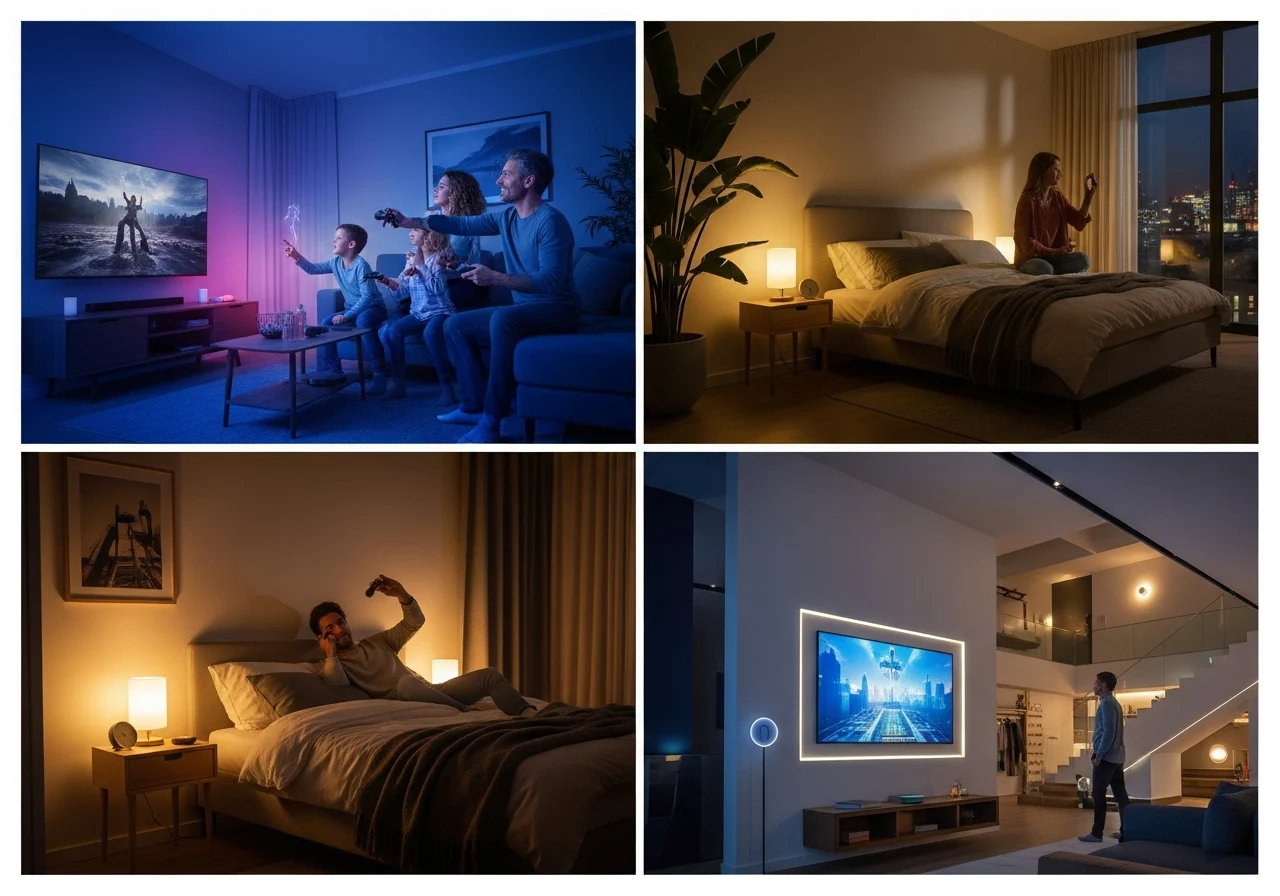
If you are looking to transform your living space into a futuristic, vibrant, and automated haven, you have likely encountered the name Philips Hue. What started as a simple color-changing light bulb has evolved into the most comprehensive smart home lighting ecosystem on the planet.
Whether you want to build a relaxing bedroom sanctuary, sync immersive lighting with your favorite video games, or completely automate your entire house, Philips Hue smart lights remain the industry standard. Even in 2026, amid fierce competition from budget brands, they dominate the smart lighting market.
This dominance is not just about producing a reliable bulb. It stems from their seamless integration with leading voice assistants, advanced smart home ecosystems, and the massively popular gaming and TV sync trends. With new 2026 releases like the Hue Bridge Pro and Festavia permanent outdoor lights, the brand continues to push the boundaries of what home illumination can achieve.
In this ultimate guide, we will review the entire Philips Hue ecosystem, explore the essential setup process, compare it with top competitors like Govee, and help you decide if it is the right investment for your smart home setup.
What Makes Philips Hue Smart Lights Special?
Smart homes are no longer a niche concept, and lighting is usually the very first step people take when upgrading their living spaces. So, what’s so special about Philips Hue that justifies its premium status? The answer lies in its unparalleled reliability, massive product variety, and an ecosystem that simply works.
First and foremost is the Zigbee technology paired with the Hue Bridge ecosystem. While many budget bulbs rely on crowded Wi-Fi networks—which can cause router lag and delayed responses—Philips Hue uses the Zigbee protocol. This creates a mesh network where each bulb talks to the others, extending the range and ensuring instantaneous response times. With the introduction of the 2026 Hue Bridge Pro, this ecosystem is faster than ever, capable of supporting over 150 lights while unlocking new advanced AI features like MotionAware.
The color engine is another major differentiator. Philips Hue color bulbs deliver over 16 million colors with stunning accuracy. Thanks to their cutting-edge Chromasync technology, you get deep, saturated hues and gentle pastels without the “washed-out” look common in cheaper brands. From a Philips Hue smart light strip outlining your ceiling to a subtle Philips Hue table lamp on your nightstand, the color matching across different products is mathematically precise.
Automation and scenes are where the system truly shines for daily living. You can program a Philips Hue lamp floor to mimic a warm sunset right as you get ready for bed, gradually dimming to ease you into sleep. In the morning, your bedroom lights can simulate a gentle sunrise.
You can manage all of this through the highly refined app or through flawless voice control with Google Home, Amazon Alexa, Apple HomeKit, or even Sonos Voice Control. To round out the ecosystem, their latest 2026 additions, like the IP65-rated Philips Hue permanent lights (Festavia series), have taken the magic outdoors, offering year-round customizable exterior home lighting.
Philips Hue Smart Lights Starter Kit – Is It Worth It?
If you are just dipping your toes into home automation, walking down the lighting aisle, or browsing online can be overwhelming. Buying individual bulbs quickly gets confusing. This is exactly why the Philips Hue smart lights starter kit exists, and yes, it is absolutely worth it for beginners.
What is Included in the Starter Kit?
A standard starter kit usually contains everything you need to build your foundation. It typically features three or four Philips Hue smart lights (either standard white or color ambiance), the essential Hue Bridge, and a smart button or dimmer switch. This all-in-one package removes the guesswork from your initial Philips Hue smart lights setup.
Ideal for Beginners
For someone new to smart homes, the starter kit is the safest entry point. Because the Hue Bridge is included, you immediately unlock the full potential of the Philips smart bulbs rather than relying on the more limited Bluetooth-only connection. You get to experiment with basic automations, out-of-home control, and voice assistant integration from day one.
Unmatched Expandability
The best part of starting with a kit is the endless expandability. Once your Bridge is installed, adding a new bulb, a light strip, or permanent outdoor lighting takes less than a minute. Your starter kit is essentially the central brain that will support the rest of your smart home lighting journey for years to come.
Philips Hue Smart Lights Setup (Step-by-Step Guide)
Setting up an automated lighting system might sound like a job for an electrician or IT professional, but it is incredibly intuitive. Follow this detailed Philips Hue smart lights setup guide to get your ecosystem running flawlessly in minutes.
Install the Bulbs
Begin by simply replacing your existing ignorant bulbs with your new Philips Hue smart lights. Make sure the physical light switch on your wall or lamp is flipped to the “On” position. The bulbs should immediately emit a default warm white light, indicating they have power.
Connect the Hue Bridge
Take the Hue Bridge and plug it into a power outlet near your home internet router. Use the included Ethernet cable to connect the bridge directly into an open port on the back of your router. Wait for the three blue lights on top of the bridge to turn solid; this means it has power, is connected to the network, and is ready for the internet.
Download the App
Grab your smartphone and download the official Philips Hue app from the Apple App Store or Google Play Store. Make sure your phone is connected to the same Wi-Fi network that your Hue Bridge is plugged into. Launch the app and follow the on-screen prompts to search for your new Bridge.
Pair Your Devices
Once the app finds the Bridge, you will be asked to press the large physical button on top of the Bridge to confirm the pairing. Next, navigate to the “Add Lights” section in the Philips Hue smart lights app. The app will automatically search for your powered-on bulbs and add them to your system. You can then organize them into designated “rooms” (like a living room or a bedroom) and “zones.”
Connect Your Voice Assistant
To enable hands-free commands, link your Philips Hue account to your preferred smart home ecosystem. Open your Google Home, Amazon Alexa, or Apple Home app, and search for the option to add a new device or “Works with” service. Select Philips Hue, log in to your account, and authorize the connection. You can now use your Philips Hue smart lights with Google Home integration to say, “Hey Google, turn the living room lights blue.”
Philips Hue Smart Lights App – Features & Control
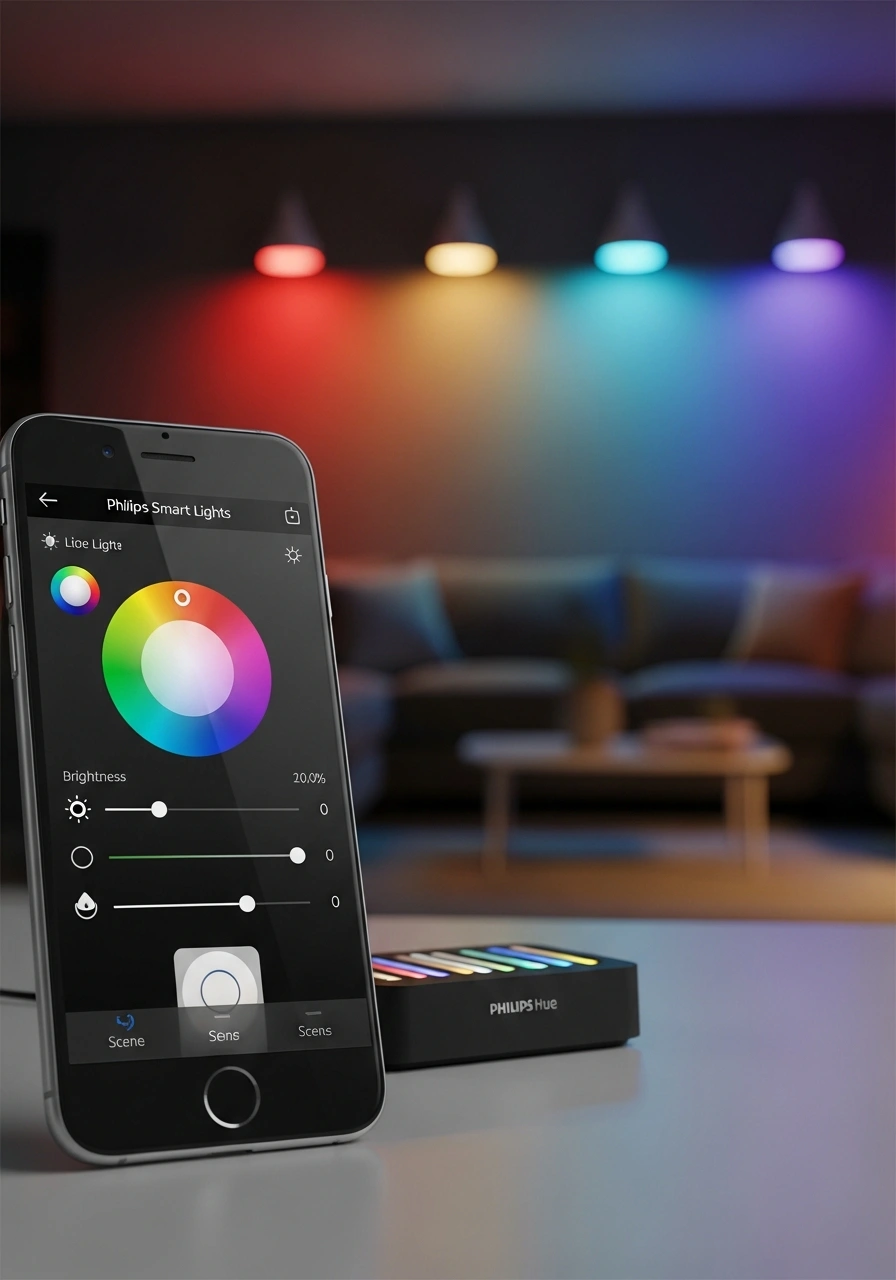
The hardware is only half the story; the Philips Hue smart lights app is where the true magic happens. Upgraded to version 5.6 and beyond in 2026, the application remains the most premium and user-friendly interface in the industry.
The app allows you to create customized scenes and routines. You can choose from the community scene gallery or create your own ambiance by pinpointing exact shades from a color wheel or an uploaded photo. Routines and automations can be tied to a specific time of day, the sunrise/sunset schedule, or even your physical location so that your lights welcome you as you pull into the driveway.
Remote control functionality means you no longer need to panic about whether you left the kitchen lights on when you left for a trip. By creating a secure account at PhilipsHue.com, you can access your home’s lighting grid from anywhere in the world, turning lights on and off to simulate presence for added security.
Additionally, the Room View feature now cleanly integrates lighting with Philips Hue Secure cameras and sensors. You can view camera feeds, adjust timers, manage smart plugs, and activate sync options all from a single dashboard.
Philips Hue Smart Lights for TV (Ultimate Sync Experience)
If you love movie nights or such as indulge watching the latest series, optimizing your Philips Hue smart lights for TV will completely change how you consume media. The system extends the action on your screen out into the physical space of your living room.
To achieve this, you need the Philips Hue Play HDMI Sync Box (or a compatible 2026 TV with built-in AmbiScape technology). This device acts as a middleman between your media players—like an Apple TV, PlayStation, or Roku—and your television. It analyzes the pixel data on the screen in real-time.
The sync box then transmits that color data to your Philips Hue smart lights TV setup. If an explosion happens on the right side of the screen, the lights on the right side of your living room will flash bright orange and red. If your characters dive underwater, your room is instantly bathed in deep, aquatic blues.
This TV immersion reduces eye strain by providing dynamic bias lighting, but more importantly, it makes the movie experience incredibly engaging. It is crucial to remember that the Philips Hue smart lights’ sync with TV feature requires the Hue Bridge to function, as the rapid data transfer relies on the fast Zigbee network.
Philips Hue Smart Lights for Gaming
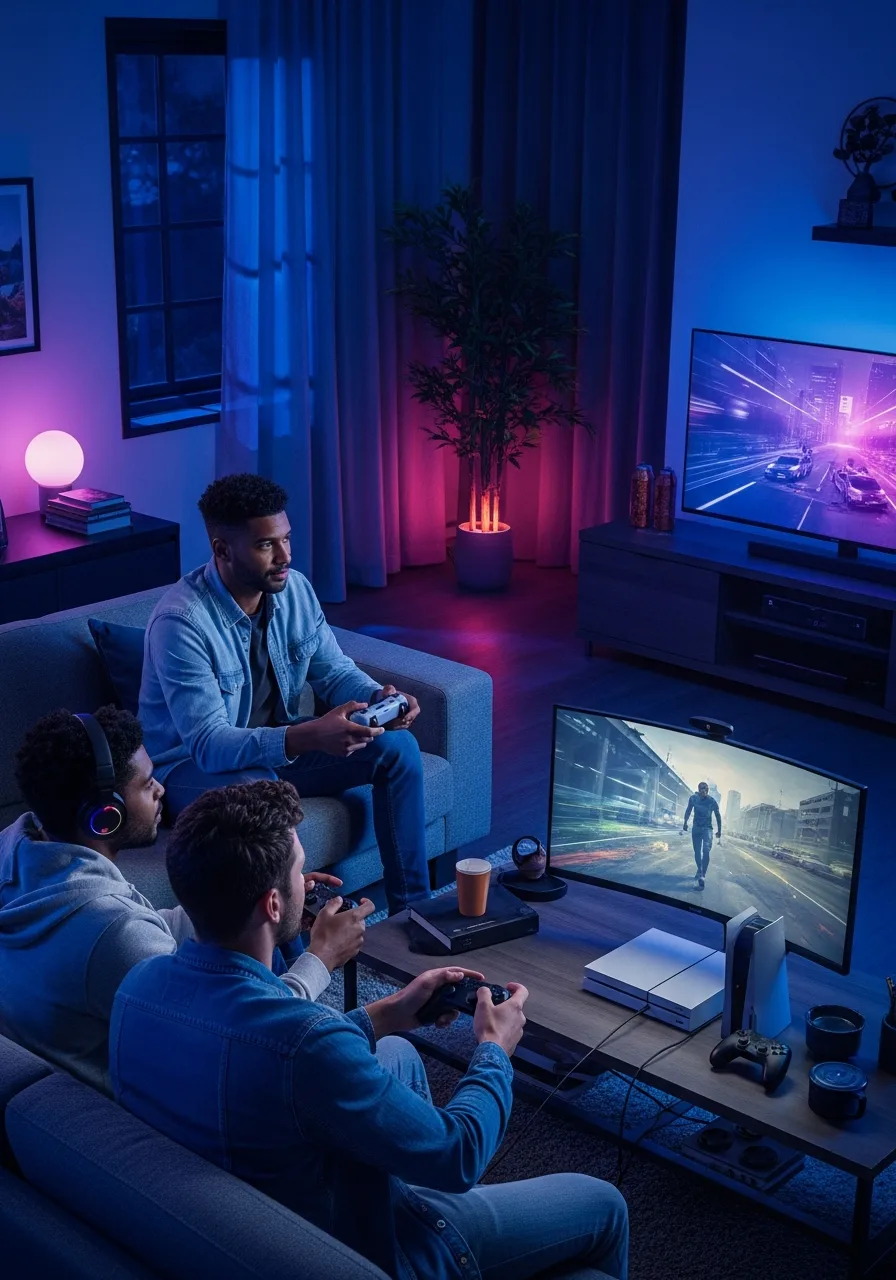
Gamers are always searching for the ultimate setup to boost immersion, and reactive lighting is the perfect solution. A Philips Hue smart lights gaming setup pulls you directly into the digital world of your favorite RPGs, shooters, and racing simulators.
For PC gamers, the integration is even easier and cheaper than a home theater setup. You simply download the free Hue Sync app onto your Windows or Mac computer. The desktop app monitors the colors on your monitor and syncs them instantly with your designated entertainment area lights.
The reactive lighting means that when your character takes damage, your room might pulse a warning red. When you wander into a lush, digital forest, your gaming den transforms into vibrant shades of green and yellow.
The best setups for gamers usually involve a combination of the Hue Play light bars mounted behind the monitor, a Hue light strip outlining the desk, and perhaps a pair of standard color bulbs in overhead fixtures. With the rapid response times of the 2026 Bridge Pro, there is virtually zero latency between the in-game action and your room’s lighting response.
Philips Hue Smart Lights Review (Real Use Cases)
To truly evaluate this system, we have to look past the specifications and see how it performs in everyday life. For this Philips Hue smart lights review, we consulted with top residential interior designers and smart home installers to evaluate real-world performance.
The Bedroom Setup
A Philips Hue smart lights review for a bedroom setup consistently highlights wellness benefits. Smart home integrator Mark T. notes, “I install Hue systems primarily for circadian rhythm benefits. We program the bedroom lights to transition into a dim, amber glow by 9:00 PM, which naturally triggers melatonin production. It completely changes how my clients sleep and wake up.”
Living Room Ambiance
In the living room, the system excels at shifting the mood of a multi-purpose space. A single room can function as a brightly lit home office at noon, a softly lit dining area at 6:00 PM, and a vibrant, neon-drenched entertainment space by 9:00 PM. The transition is seamless and easily controlled via hidden smart switches or voice commands.
Energy Efficiency
Despite their high-tech features, these LEDs are incredibly efficient. The latest 2026 A19 and A60 bulbs use 40% less power than previous generations while maintaining identical brightness. When paired with motion sensors that automatically turn off lights in empty rooms, users often see a noticeable reduction in their monthly energy consumption.
Govee vs Philips Hue Smart Lights: Which is Better?
The most common debate in the smart lighting community is the Govee vs. Philips Hue smart lights comparison. Both brands offer fantastic features, but they cater to entirely different demographics. So, what’s better, Govee or Philips Hue?
Comparison Overview
| Feature | Philips Hue | Govee |
| Price | High (Premium pricing) | Budget (Highly affordable) |
| Ecosystem | Advanced (Zigbee, Matter, AI features) | Basic (Primarily Wi-Fi and Bluetooth) |
| Sync | Best (Flawless, low-latency TV/PC sync) | Good (Relies heavily on camera-based sync) |
| App | Premium (Clean, intuitive, secure) | Decent (Feature-rich, but often cluttered) |
Analyzing the Differences
Philips Hue is the undisputed king of quality and reliability. Because it uses the Zigbee protocol and a dedicated hub, it does not bog down your home Wi-Fi network. The color matching is perfect, the dimming is ultra-smooth (down to 0.2%), and its third-party integration with almost every smart home platform is flawless.
Govee, on the other hand, is the champion of budget-friendly, vibrant setups. They offer incredibly creative fixtures and excellent brightness for a fraction of the cost. However, because most Govee lights connect directly to your Wi-Fi, having 30+ lights can cause network congestion. Additionally, Govee’s TV sync usually relies on a camera mounted on your screen, which is less accurate than Hue’s direct HDMI data reading.
If you have a tight budget and want flashy colors for a dorm or game room, Govee is fantastic. If you are outfitting an entire house and demand long-term reliability, premium aesthetics, and professional-grade automation, Philips Hue is the clear winner.
Downsides of Philips Hue Smart Lights
No product is perfect, and any honest review must address the drawbacks. Understanding what the downsides of Philips Hue are can help you make an informed purchasing decision.
The most glaring downside is that they are expensive. Outfitting a single room can cost a few hundred dollars, and lighting an entire house requires a serious financial investment. Compared to standard LED bulbs, the price tag can induce sticker shock.
Another hurdle is that the system requires a bridge for maximum functionality. While Hue does offer Bluetooth functionality for localized control, you miss out on out-of-home control, advanced automations, and entertainment sync without purchasing the external Hue Bridge.
Finally, the lights are somewhat limited without the broader ecosystem. To get the most out of your investment, you really need to pair them with smart displays, voice assistants, and dedicated Hue physical switches. If you just want a single bulb that turns on and off with a standard wall switch, this system is drastic overkill.
Is Hue Sync Being Discontinued?
A major source of confusion recently has been rumors regarding the entertainment syncing features. Many users have taken to forums to ask, “Is Hue Sync being discontinued?”
The short answer is no, the sync functionality is alive and well, but the standalone app has changed. In mid-2023, Philips discontinued the dedicated “Hue Sync” mobile app because it successfully merged all of its functionalities directly into the main Philips Hue app. You no longer need two separate apps to manage your home and sync your TV.
As for alternatives and future updates, the synchronization ecosystem is actually expanding. In 2026, we are seeing the rollout of “AmbiScape” on select premium televisions, which is the direct successor to the old Ambilight+Hue system. Furthermore, the Hue Bridge Pro brings SpatialAware technology to handle complex audio-visual syncing even faster than before.
Best Alternatives to Philips Hue Smart Lights
If you have decided that the Hue ecosystem is not for you, there are several outstanding alternatives to Philips Hue smart lights on the market today.
Govee
As discussed, Govee is the ultimate budget-friendly alternative. They excel in RGBIC technology, allowing a single strip light to display multiple colors simultaneously. They are perfect for creative, colorful installations in gaming rooms or bedrooms without breaking the bank.
LIFX
LIFX is the closest competitor to Hue when it comes to raw color quality and brightness. In fact, some LIFX bulbs are noticeably brighter than their Hue counterparts. They connect directly via Wi-Fi, meaning no central bridge is required, making them great for smaller apartments. However, large setups can still crowd your router.
TP-Link Kasa (and Tapo)
For practical, everyday smart home lighting, TP-Link’s Kasa and Tapo lines are excellent. They offer reliable white and color bulbs, light strips, and smart switches at very reasonable prices. Their app is highly rated, and they integrate beautifully into Amazon Alexa and Google Home ecosystems for reliable, simple automation.
Philips Hue Smart Lights Price & Deals
Because of their premium status, budgeting for your setup requires some planning. The Philips Hue smart lights’ price varies widely depending on the specific fixtures you are purchasing.
A basic white smart bulb usually retails around $15 to $20, while the full white and color ambiance bulbs hover around $45 to $55 each. Starter kits typically range from $120 to $200. The newly released 2026 Festavia permanent outdoor lights are a larger investment, ranging from $399 to $599, depending on the length of the string.
If you are looking for Philips Hue’s best price online, patience is key. The brand frequently participates in major retail events. You can reliably find Philips Hue smart light deals during Amazon Prime Day, Black Friday, and Cyber Monday. It is also wise to look out for multi-pack bundles, which significantly drive down the cost per bulb.
Where to Buy Philips Hue Smart Lights
Finding these products is incredibly easy, as they are stocked by almost every major electronics retailer globally.
Amazon
Searching for Philips Hue smart lights on Amazon will yield the largest variety of stock. Amazon is excellent for fast shipping, easy returns, and finding specific refurbished items or bundled starter kits that might be out of stock elsewhere.
Official Store
Purchasing directly from the Philips Hue USA official website often grants you access to exclusive products, such as limited-edition light guide bulbs or specialized track lighting. They also offer a “Create your own starter kit” discount, allowing you to save 20% by bundling items.
Local Retailers
If you want your lights today, big-box retailers like Best Buy, Home Depot, and Target carry extensive inventories. Best Buy is particularly useful, as their in-store displays often let you see the color quality and test the Hue Sync features in person before buying.
FAQs
What is so special about Philips Hue?
The magic lies in its Zigbee mesh network, which guarantees instant, lag-free control even if your Wi-Fi is down. Combined with 16 million hyper-accurate colors and a massive portfolio of indoor and outdoor fixtures, it offers the most reliable and expansive ecosystem available on the market today.
What are the downsides of Philips Hue?
The primary disadvantages are the premium price tag and the necessity of purchasing a separate Hue Bridge hub to unlock the system’s full potential. Because of this, it requires a much higher upfront investment compared to basic, standalone Wi-Fi bulbs.
Which is better: Govee or Philips Hue?
This ultimately comes down to your budget and scale. Philips Hue is better for whole-home reliability, perfect color matching, and seamless TV synchronization. Govee, on the other hand, is much better for budget-conscious buyers who want flashy, multi-color strip lights and creative wall fixtures without buying a hub.
Is the Hue Sync app being discontinued?
The syncing feature itself is not going anywhere. While the standalone Hue Sync mobile application was officially retired in 2023, all of its features were permanently moved directly into the main, unified Philips Hue app to provide an easier, all-in-one user experience.
Final Verdict – Should You Buy Philips Hue in 2026?
As we look at the smart home landscape in 2026, the final verdict remains clear: Philips Hue is the absolute best investment for premium smart homes. The introduction of the Hue Bridge Pro, advanced AI features like MotionAware, and durable outdoor lighting like the Festavia series prove that they are still innovating.
It is undoubtedly the ideal ecosystem for TV and gaming lovers, offering low-latency sync that budget competitors simply cannot match. While it is certainly not budget-friendly, the longevity, reliability, and security of the system make the upfront cost entirely justifiable. If you want a lighting setup that works flawlessly every single time you flip a switch or speak a command, Philips Hue is the gold standard.
Reference:
- Philips Hue Official
- Signify (Philips’ Parent Company) Press Room
- Smart Home Tech & Industry News
- Retailer Specifications & Hardware Data