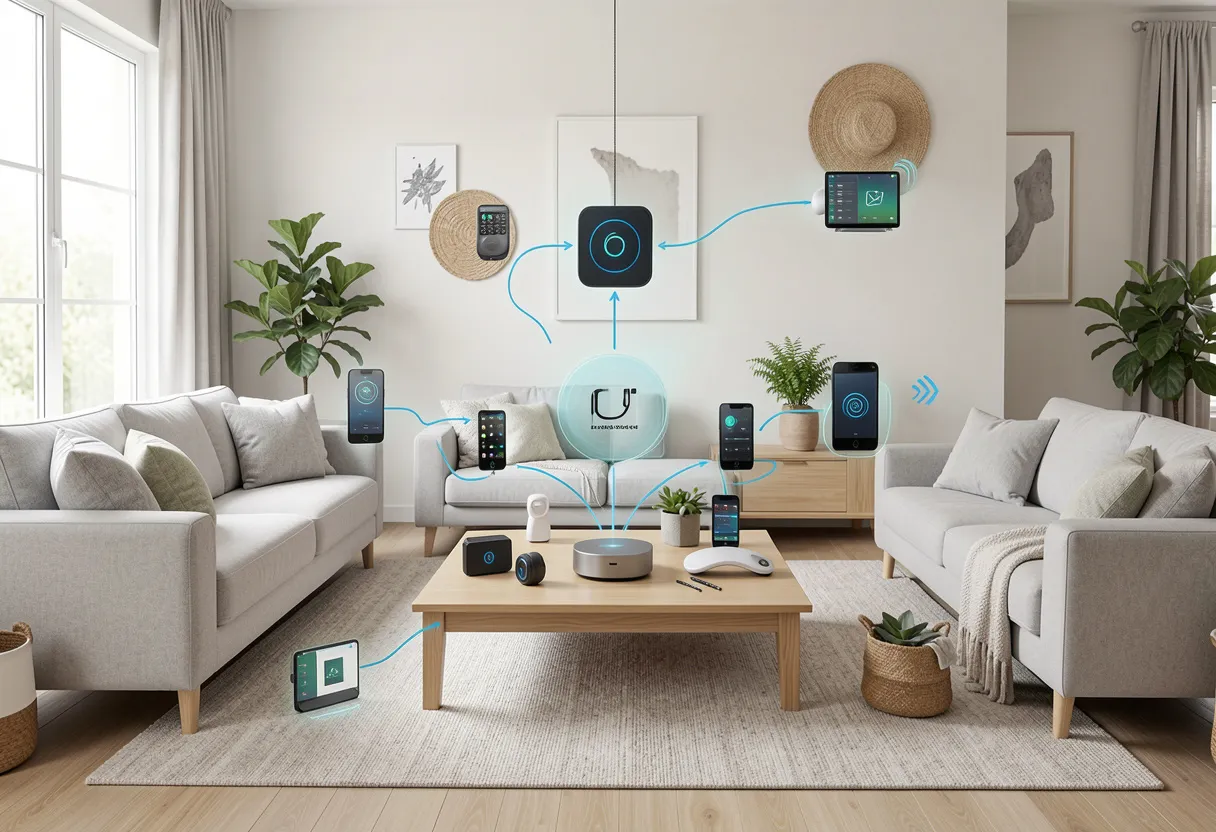
Hey there! Are you ready to finally figure out how to build a smart home system? Seems like everyone wants a futuristic house these days. But jumping into automation often feels totally overwhelming.
First of all, a smart home setup simply connects your daily appliances to the internet. You control everything from your phone or your voice. As a result, you save tons of time and lower your energy bills.
Because you automate your daily routines, life gets incredibly easy. You schedule your [smart lighting] to fade out at night. Also, you check your front porch cameras while sitting at the office.
Most noteworthy, you do not need to be a software engineer to do this. This guide shows you exactly how to build a smart home system for beginners. We cover everything from a basic smart home setup to advanced local networks.
Let’s turn your standard house into an intelligent machine! First, we will plan your layout and budget. Then, we will pick the right gear. Finally, you will connect everything seamlessly. Let’s dive in.
What Is a Smart Home System & How Does It Work?
What is a smart home system? A smart home system uses internet-connected devices to automate household functions like lighting, climate, and security. You control these networked appliances remotely via smartphone apps or voice commands to increase convenience and save energy.
That simple definition explains the core idea perfectly. So, how to build a smart home system? You need to understand the basic moving parts first. Your devices talk to each other through the Internet of Things (IoT).
Specifically, your basic smart home setup requires three main components. First, you need the actual smart devices. These include your thermostats, locks, and LED bulbs. Second, you need connectivity protocols.
Your devices communicate via Wi-Fi, Zigbee, or the brand-new Matter standard. Matter is especially relevant right now. It allows different brands to work perfectly together. As an authorized CEDIA integrator, I always tell my clients to look for the Matter logo.
Finally, you need a central control interface. This usually means using a smartphone app or a voice assistant. Therefore, you command your entire house from one single screen.
Smart home for dummies basically means starting with just a Wi-Fi router and a single smart plug. Because you add pieces gradually, the learning process stays completely stress-free.
Smart Home Design Basics (Plan Before You Build)
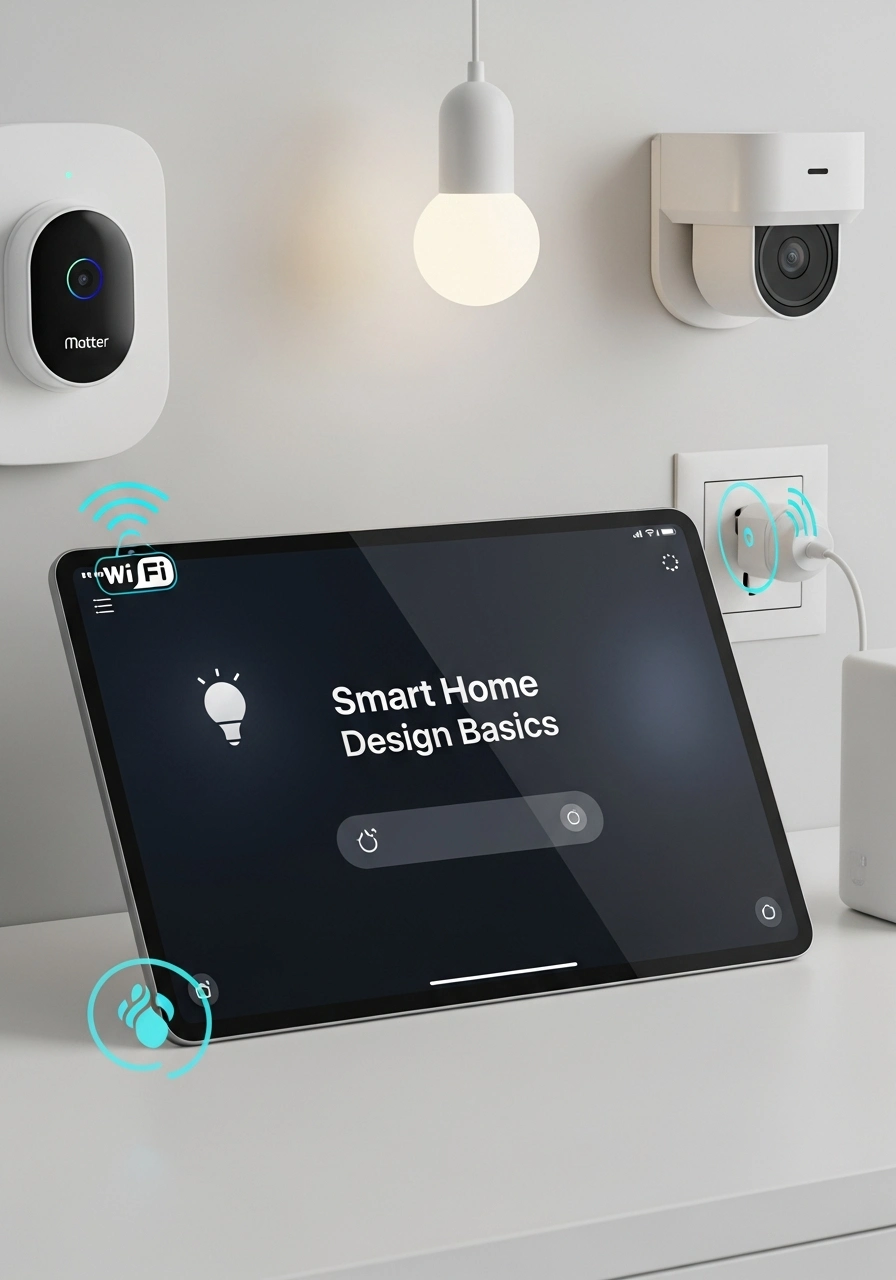
You must plan carefully before buying any gadgets. Smart home design basics require you to identify your exact needs first. Do you want better [security], lower energy bills, or ultimate entertainment comfort?
Because you want a smooth experience, you should establish a budget early. Start small and scale up later. Consequently, you avoid spending thousands of bucks on gadgets you never actually use.
Designing a smart home works best with a room-by-room strategy. First of all, walk through your house. Note what manual tasks annoy you the most. Then, find a specific tech solution for that exact problem.
You also must decide between wired and wireless systems during smart home design and construction. Wireless gear runs on batteries and standard Wi-Fi. In contrast, wired systems require professional installation but offer rock-solid reliability.
Most of all, preparation prevents massive headaches later. I created a quick checklist to help you map out your initial setup.
- Identify your main goal: choose between security, convenience, or energy savings.
- Test your network: Check the current Wi-Fi speed in every single room.
- Set a spending limit: Create a hard budget limit for phase one.
- Pick a control method: Decide between voice commands or app control.
How to Build a Smart Home System Step by Step
Let’s get into the actual work. Learning how to build a smart home system step by step requires some patience. However, if you follow this exact blueprint, you will avoid the most common frustrations.
- Choose Your Ecosystem: First, pick a central platform. You must choose between Google Home, Amazon Alexa, or Apple HomeKit. This choice dictates almost every future gadget you buy. So, pick the platform that already fits your current smartphone.
- Start with a Smart Hub or app: Next, you need a brain for your house. Some people just use a Wi-Fi router and standalone apps. But a dedicated [smart home hub] connects different offline protocols like Zigbee and Z-Wave. Hubs process your commands much faster.
- Add Essential Devices: Now, you actually install the hardware. Begin with simple upgrades. Grab a few smart LED bulbs for your lamps. Also, buy a couple of smart plugs for your coffee maker. Finally, put a smart speaker right in the kitchen.
- Expand to Automation: Devices sitting alone do nothing special. Therefore, you must create automated routines and schedules. Set your porch lights to turn on precisely at sunset. Similarly, program your thermostat to lower the temperature when you leave for work.
- Connect & Test Everything: Finally, link all new devices to your main control app. Build your own smart home by testing each voice command out loud. Make sure the lights actually dim when you ask them to.
As a security consultant testing devices for Wirecutter, I constantly see people rush this phase. Take your time. Figuring out how to build a smart home system from scratch takes a full weekend, not an hour.
Specifically, check for software updates immediately after unboxing. Gadgets need the latest firmware to stay secure. Because you update them, they run faster and resist network hackers much better.
How to Make Your Home a Smart Home with Google, Alexa & Apple
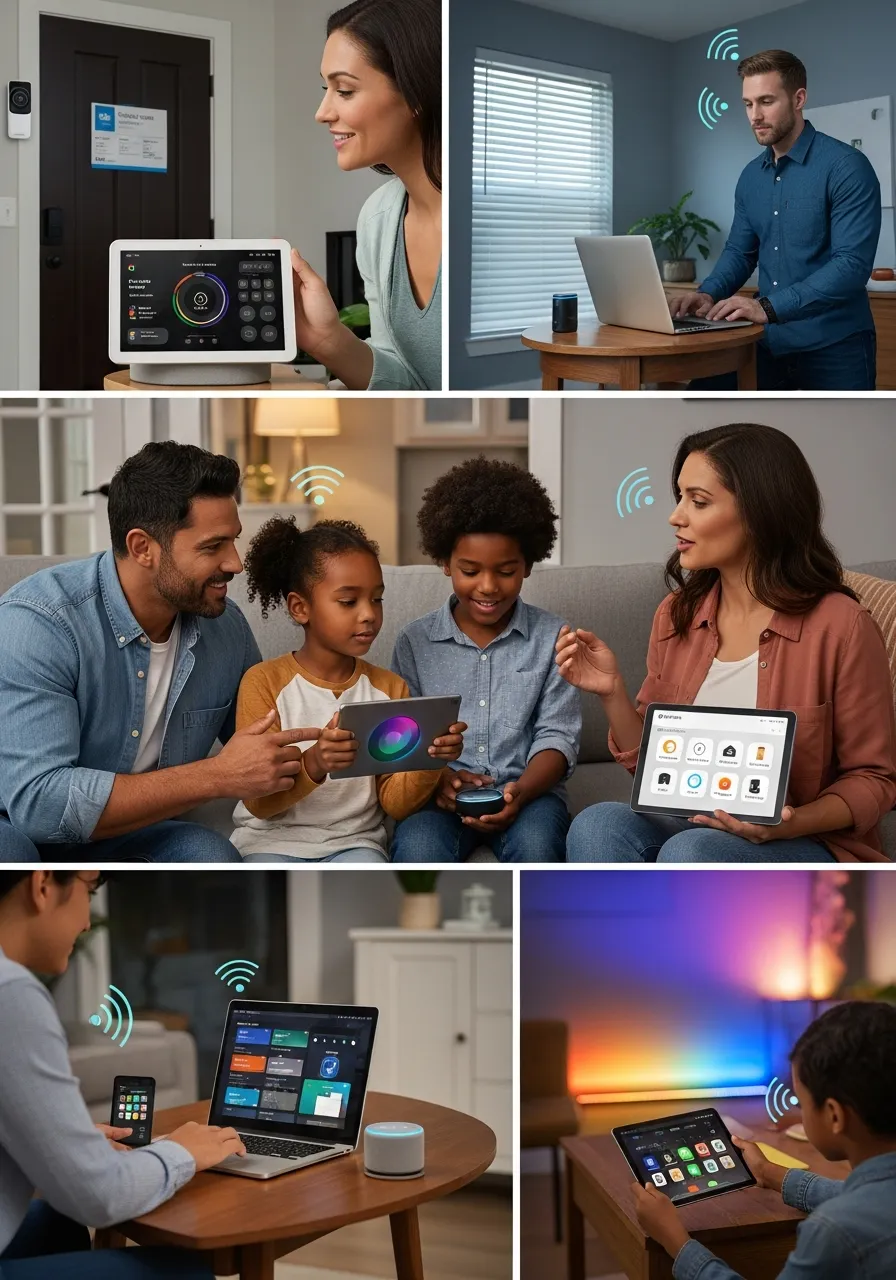
Choosing an ecosystem feels exactly like picking a new car. You want reliability, speed, and comfort. Let’s look at how to make your home a smart home with Google, Alexa, and Apple.
Google Ecosystem
Google Assistant answers random questions better than anyone else. Because it connects seamlessly with Nest devices, it dominates the current market. If you want to know how to make your home a smart home with Google, just buy a Nest Hub.
First of all, Android users absolutely love this setup. It syncs perfectly with your daily Google calendar. As a result, your speaker reminds you about upcoming meetings while adjusting your hallway lights.
Alexa Ecosystem
Amazon Echo speakers offer the absolute widest device compatibility. In fact, almost every single smart gadget works with Alexa. Therefore, learning how to make your home a smart home with Alexa is incredibly easy for absolute beginners.
You simply buy an Echo Dot, plug it into the wall, and download the app. Alexa handles complex multi-step routines beautifully. Because she supports thousands of third-party skills, your automation options remain limitless.
Apple HomeKit
Apple focuses heavily on user privacy and local control. Because they process data locally inside your house, your personal information stays incredibly safe. How to make a smart home with Apple requires buying an Apple TV or a HomePod Mini.
Indeed, HomeKit’s strict hardware certification means compatible devices cost a bit more. However, they rarely fail or drop connection. I run my personal home setup on HomeKit because I trust Apple’s encryption standards.
| Feature | Google Home | Amazon Alexa | Apple HomeKit |
| Best User Base | Android users | Budget shoppers | Privacy seekers |
| Top Strength | Search & AI logic | Massive compatibility | Local device control |
| Hardware Need | Nest Hub / Speaker | Echo Dot / Show | Apple TV / HomePod |
Smart Home Setup Ideas for Every Room
You need practical inspiration to get going. Here are some incredible smart home setup ideas for specific areas of your house. Let’s make every single room work a little harder for you.
Living Room
Start your smart home setup beginner’s journey right on the couch. You plug your TV and media players into smart energy strips. Then, you sync your smart light strips to match the colors flashing on your television screen. You also program a “Movie Mode” that dims everything instantly.
Bedroom
You want a totally calm environment for sleeping. Therefore, install motorized smart blinds on your windows. Schedule them to open slowly at sunrise. Simultaneously, program your smart speaker to play gentle morning music while your thermostat warms up the room.
Security Setup
Strong security protects your massive investment. First, install a wireless video doorbell. Next, add smart deadbolt locks to your exterior doors. Finally, place hidden motion sensors near your ground-floor windows.
As a result, you receive an instant alert if someone steps on your porch. You check the live camera feed right from your phone. Furthermore, you can easily lock the front door remotely if you forget on your way out.
Basic Smart Home Setup for Beginners (Budget-Friendly)
You definitely do not need thousands of bucks to start. A basic smart home setup costs between $100 and $300 today. You easily transform your apartment with just a few highly affordable pieces.
Start with a simple smart speaker. An Amazon Echo Dot or a Google Home Mini costs around fifty dollars. Next, buy a standard four-pack of Wi-Fi smart bulbs. You screw them in and connect them directly to your app.
After that, grab two cheap smart plugs. You plug your unintelligent appliances into them. Suddenly, your old bedroom fan becomes a totally smart device. This smart home setup beginner’s method works flawlessly for anyone on a tight budget.
Because you keep things super simple, Smart Home for Dummies becomes a reality. You learn the app interface without feeling completely overwhelmed. Later, you can drop real money on expensive things like smart security panels.
Advanced Smart Home System (DIY + Project Ideas)
Once you master the basics, you might crave significantly more control. Tech enthusiasts often skip commercial hubs entirely. Instead, they build custom networks using tiny Raspberry Pi or Arduino microcomputers.
You can easily find a home automation system project with source code on developer sites like GitHub. You download the code, flash it to an SD card, and boot up your own custom server.
Open-source platforms like Home Assistant provide unbelievable automation power. Because everything runs locally, your house works perfectly even if the internet goes down entirely. Furthermore, you never pay monthly subscription fees.
Indeed, this path requires some basic coding knowledge. However, the IEEE community offers massive support forums online. You learn how to write complex automation scripts that commercial apps simply cannot handle.
Common Mistakes to Avoid When Building a Smart Home
Beginners constantly make completely avoidable errors. First of all, mixing incompatible ecosystems creates a massive daily headache. You buy a Google thermostat and an Apple lock, and they refuse to communicate with each other.
Also, running a weak Wi-Fi network ruins everything. Smart gadgets demand a strong, stable router. Therefore, you must upgrade to a mesh network system if your house is larger than average.
Furthermore, people love overcomplicating their automation rules. You set up a routine with fifteen different sensor triggers. Consequently, the lights flash randomly, and nobody knows why. Keep your rules incredibly simple and logical.
Finally, never ignore your network’s privacy and security. You must change the default device passwords immediately after unboxing. Turn on two-factor authentication for all your smart home applications to stop hackers cold.
Frequently Asked Questions
Does a smart home increase property value?
Yes, it absolutely does. Modern buyers love move-in-ready automation. Specifically, integrated security networks and [energy management] systems boost your home’s appeal and increase the final selling price.
Do smart homes work without Wi-Fi?
Sometimes they actually do. Devices using Zigbee or Z-Wave hubs communicate locally without the internet. However, you lose remote smartphone access when your internet connection drops.
Can smart home devices be hacked easily?
Unfortunately, yes. But you prevent this very easily. Always use strong passwords, update your device firmware regularly, and secure your main Wi-Fi router.
What is the best smart hub for beginners?
Most beginners start with an Amazon Echo or a Google Nest Hub. They offer instant plug-and-play simplicity. You skip the complex wiring entirely and control things with your voice.
How much does a full smart home cost?
A basic setup costs under $200. Meanwhile, a fully integrated, professionally installed system easily exceeds $5,000. Start small and build up your network slowly.
Final Thoughts on Building Your Smart Home
You are finally ready to upgrade your living space and step into the future of home automation. Building a smart home might seem overwhelming at first, but as we’ve covered, it all comes down to careful planning and choosing the right ecosystem for your lifestyle.
Remember, the golden rule is to start small. Begin with a basic smart speaker and a few Wi-Fi bulbs or plugs. Once you learn the software interface and see how easily you can control your environment, you can gradually expand into advanced security setups or custom automation routines. This step-by-step approach ensures you avoid unnecessary frustration, compatibility issues, and overspending.
Ultimately, a true smart home isn’t just about showing off fancy gadgets; it’s about making your daily life significantly more secure, energy-efficient, and incredibly convenient. Build your network at your own pace, and always let the technology work for you—not the other way around.
You now hold the exact blueprint for how to build a smart home system from scratch. So, go grab your first smart device today, test out a few simple routines, and enjoy the magic of a house that finally takes care of you!